

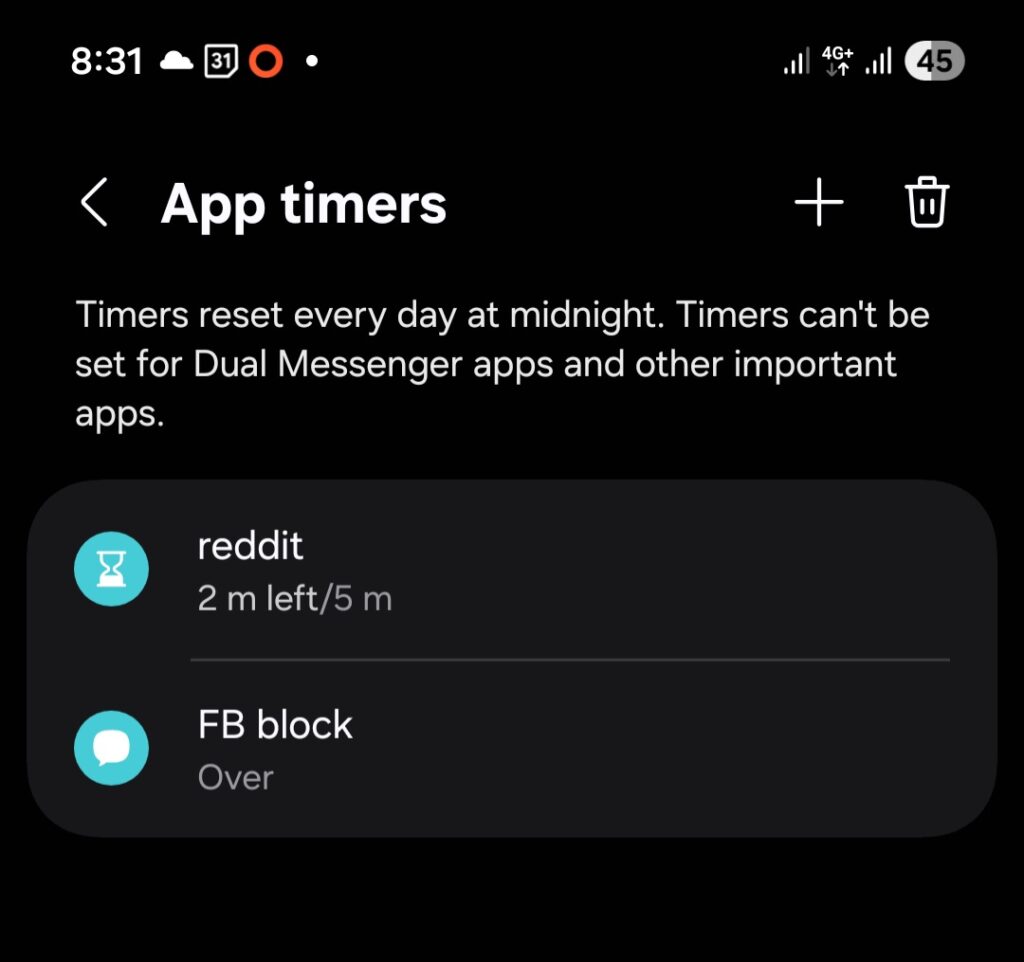
i need go block it accross my browsers.
How to Stop Yourself from Mindlessly Opening Facebook
If you find yourself reflexively opening Facebook without even thinking about it, you’re not alone — and the good news is there are tools built to fight exactly that habit.
The Best Apps and Tools for Blocking Facebook
Depending on your device, you have several options ranging from gentle nudges to full lockouts.
On desktop, browser extensions are your first line of defense. StayFocusd (Chrome) and LeechBlock (Firefox) are free and let you set daily time limits per site. Cold Turkey is the nuclear option — once you set a block, you genuinely cannot undo it, which makes it ideal if willpower isn’t cutting it. Freedom works across devices but requires a subscription.
On mobile, your phone’s built-in tools are the easiest starting point. iPhone users can go to Settings → Screen Time → App Limits and set a daily cap on Facebook. Android users have Digital Wellbeing, which works similarly.
How to Block Facebook Using Android’s Digital Wellbeing
- Open Settings and search for Digital Wellbeing
- Tap Dashboard, find Facebook, and tap the hourglass icon next to it
- Set the timer to 1 minute — once you hit it, the app grays out for the rest of the day
- For a harder block, tap Parental controls, set a PIN, and give it to someone you trust so you can’t easily override it
Keep in mind that the timer resets at midnight and only covers the app — you can still reach Facebook through your browser. To close that loophole, use Focus mode (also in Digital Wellbeing) to block the browser during certain hours, or set up a DNS-level block using a tool like NextDNS or AdGuard.
What Works Best for Your Habit Type
If you’re mostly opening Facebook out of boredom on your phone, start with Digital Wellbeing or Screen Time — they’re free and take five minutes to set up. If you keep finding workarounds, escalate to Cold Turkey or loop in a friend with your PIN. The goal is to add just enough friction that the habit breaks before the craving wins.
Leave a Reply
You must be logged in to post a comment.